


Join Our newsletter
Subcribe to get information about products and coupons.

Couldn't load pickup availability
- Fuel Gauge Technology
No more guessing when it comes to power available throughout your flight. With the Fuel Gauge, you can push the limit of flight time to the very last second, all the while keeping your batteries in perfect health, no matter how hard you fly.
- Low Battery Alert
Depending upon the compatibility of the transmitter in use, this feature alerts you when a discharged LiPo battery is connected to the aircraft, sparing the aircraft and battery from possible damage or failure.
- Onboard Data Logging
Augmenting or replacing the data logging capabilities of the ESC in use, this new feature allows you to access multiple flights worth of data logging capability when no such options are offered via the ESC in use. From cyclic & collective inputs, this data will be logged within the iKON2, and depending upon transmitter capability, can be viewed via the transmitter in use for instant updates or can be analyzed via PC.
- Thermal Overload Protection
Protect your investment with real time thermal data. Monitor ESC temps and set the appropriate alarms to avoid unexpected ESC thermal shut downs and possible ESC failure. With this all new feature, you can push your heli to the max without the worry of thermal overload.
- No Costs, No Extra Hardware Required
Simplified to the extreme, the above features require (1) single wire to connect the ESC to the iKON2, unlocking these amazing features. Simple & effective, this update requires nothing but the basics with no costs involved.
Note: most new features only available on the iKon2, but updates continue to optimize flight performance on all iKon's!
Be sure your PC is connected to the internet
Download and install the iKon software if you have not already done so //www.ikonflybarless.com/download
Power up your iKon (max 2s LiPo, watch polarity, and never apply power to 4-5-6/bind) and plug it into your PC using a micro USB cable - not included. If you see driver installation start, wait for this to complete.
Now start the iKon software. Be sure to accept any software updates, and then be sure to accept any firmware updates offered.
Your iKon should now be running the latest firmware version.
How to connect your IKON Bluetooth with your PC
Specifications:
| Dimensions: | 37.7mm x 29.6mm x 22.3mm (LxWxH) / 20.2g Weight |
| Application: | Nitro and Electric Compatible |
| Receiver Support: | JR XBus / PPM / Futaba S-Bus / Dual Spektrum DSM2 & DSMX Ports / Hitec |
| Cyclic Servo Support: | Up to 560Hz |
| Tail Servo Support: | 760uS / 1520uS - Up To 560Hz Frequency |
Included:

Note: Most new features only available on the iKon2, but updates continue to optimize flight performance on all iKon's! Some features require an iKon/iKon2 with governor functionality.
All New Updates for the iKON2!
Always pushing the boundaries, iKON2 flight controllers now have access to all new capability & functionality via the latest iKON firmware update, allowing you to unlock even greater potential for the best flybarless system on the planet!
Free and feature packed, the iKON2 firmware update features the below updates:
Fuel Gauge Technology
No more guessing when it comes to power available throughout your flight. With the Fuel Gauge, you can push the limit of flight time to the very last second, all the while keeping your batteries in perfect health, no matter how hard you fly.
Low Battery Alert
Depending upon the compatibility of the transmitter in use, this feature alerts you when a discharged LiPo battery is connected to the aircraft, sparing the aircraft and battery from possible damage or failure.Onboard Data Logging
Augmenting or replacing the data logging capabilities of the ESC in use, this new feature allows you to access multiple flights worth of data logging capability when no such options are offered via the ESC in use. From cyclic & collective inputs, this data will be logged within the iKON2, and depending upon transmitter capability, can be viewed via the transmitter in use for instant updates or can be analyzed via PC.
Thermal Overload Protection
Protect your investment with real time thermal data. Monitor ESC temps and set the appropriate alarms to avoid unexpected ESC thermal shut downs and possible ESC failure. With this all new feature, you can push your heli to the max without the worry of thermal overload.
No Costs, No Extra Hardware Required
Simplified to the extreme, the above features require (1) single wire to connect the ESC to the iKON2, unlocking these amazing features. Simple & effective, this update requires nothing but the basics with no costs involved.
Supported ESC's
Upon release, the iKON2 supports the below ESC's for data logging & telemetry capability, and as time progresses, more ESC's will be added to this list.
- Castle / Castle Live Link
- HobbyWing (V4 or Newer)
- Kontronik Jive / HeliJive
- Scorpion Tribunus (beta version at this time)
Supported Transmitters
Below is a list of the current transmitters supported in relation to the iKON2 data logging & telemetry. However, if your transmitter is not yet supported, please note you can easily access all data logging & telemetry via the iKON2 after subsequent flights.
- Spektrum
- Futaba
- Jeti
Transmitter Options
With Spektrum Gen2 (or newer) and Futaba transmitters, you are able to access & set the below functions to utilize in flight. Further, the iKON2 is now able to utilize SRXL for further telemetry options via receivers that offer this capability, such as the Spektrum SPM4649T dual diversity receiver.
- mAh Consumed via Battery Fuel gauge
- Temperature Threshold Alarms
- Live Current Draw
For Jeti Tx users, the iKON2 has the ability to send all logged parameter info, which can be viewed & logged via the Tx for greater levels of access & overview. From collective & cyclic inputs, gyro status, governor status, and iKON2 received frames, this all new update offers massive levels of user feedback and adjustments, such as remote access to governor features & more.
iKON2 Data Logging Capabilities
- mAh Consumed via Battery Fuel Gauge
- Current
- RPM
- LiPo Battery Voltage
- Voltage Ripple
- Receiver / BEC Voltage
- ESC Power Out
Jeti Tx Options
- RxRoll / RxElev / RxPitch / RxTail / RxThrottle / RxAux
- Setup Number
- SwashRoll / SwashElev
- Pitch Out
- Throttle Out
- Governor Engaged
- Rx Frame Rate
- Aileron Rotation Rate / Elevator Rotation Rate / Tail Rotation Rate
- Vibration levels (future update)
Event Logs
PC Software Menu
New Rescue Function
Vibration Logs
iKON All Version Comparison Chart
Fly with built in Telemetry
| Vendor: | iKON Flybarless |
| SKU: | iKON2004 |
| Barcode: | 769923251745 |
| Availability: | In Stock |
| Product Type: | Electronics |
| Weight: | 0.3 lb |
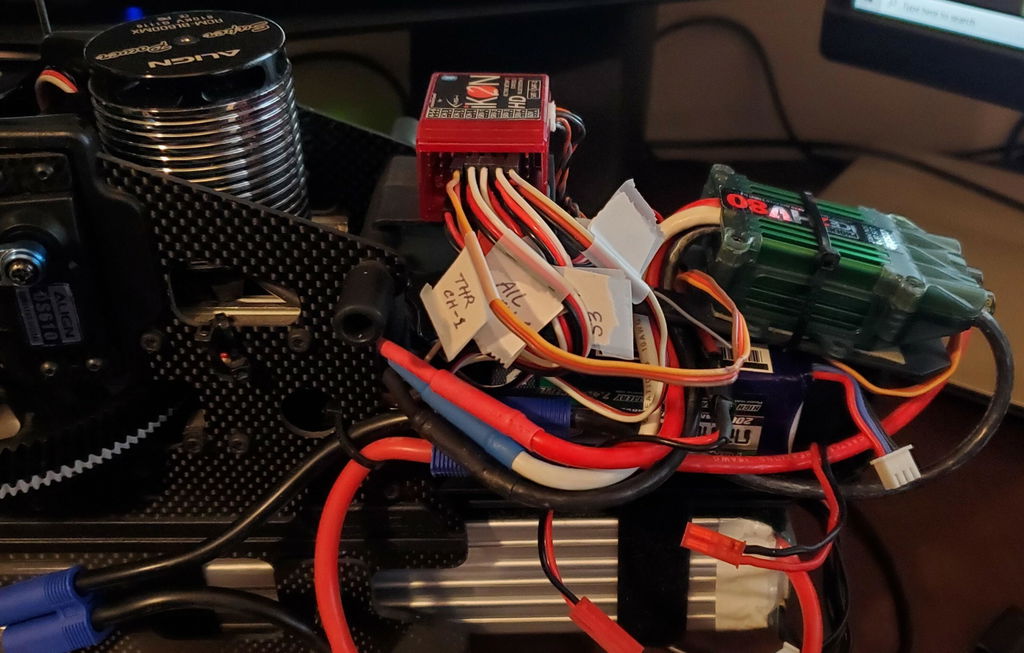
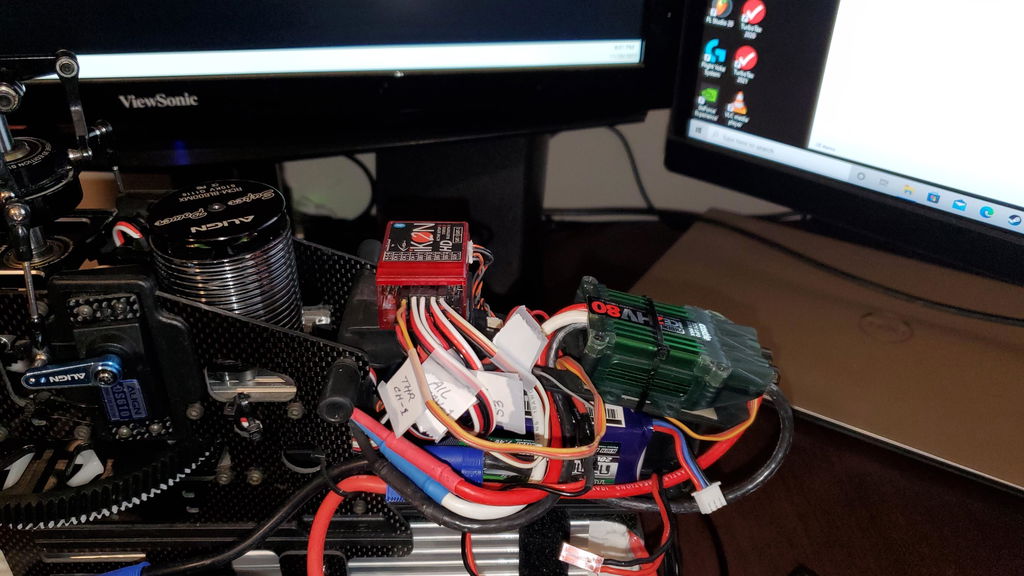
I replaced an old Align 3GX unit on my Trex 600 Pro. What a world of difference the Ikon makes! I could not seem to get my throttle endpoints to register on my Castle Ice HV80 but apparently I had some settings wrong in the setup program of the Ikon. I would like to thank Don at HeliDirect for helping me to fix the issues. He reset the settings of the Ikon program and got me going. I would say with the 3 flight modes setup the heli is very smooth and predictable in its flying. The tail holds very well. I would definitely recommend the Ikon 2 HD Flybarless Unit to anyone thinking about upgrading.
Thanks.
After my first Ikon2 worked out so well I’m my raw 700 I had to get another one for my kraken 580. The setup wizard makes it very easy to get locked in the only adjustment I had to make was tail gain on the maiden flight. Would highly recommend this unit.
This is my second of many more. The flight performance and ease of programming sold me.
I bought the Bluetooth and can update parameters with my Cell Phone. The laptop can stay home.
Fast shipping. Easy to set up. Bought this for an Align 760X I built. Its as good as they say it is.
Works good
IKON2 is as good as everyone says. Very easy setup and heli flies great using basic setup. No need to go into advanced options. Wish I had switched much sooner.
Nice price
Great unit especially for nitro, direct 2s connectivity.
I received my in a couple days. Great service thanks.
👌👌👍
Subcribe to get information about products and coupons.
Thanks for subscribing!
This email has been registered!


